


Motion Gaming Platform

SwayJoy: Motion Games
Play in Your Browser, No Download Needed

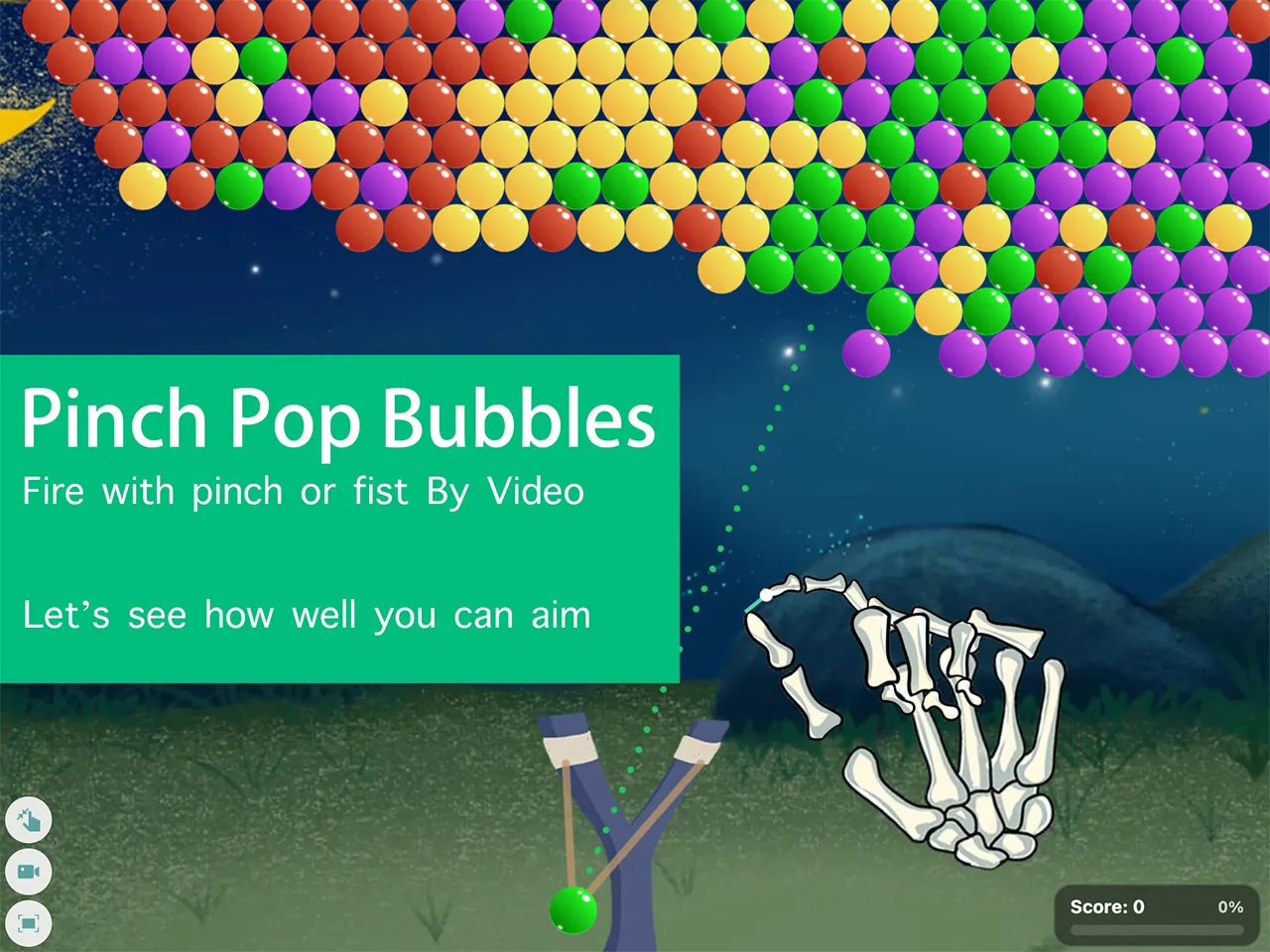
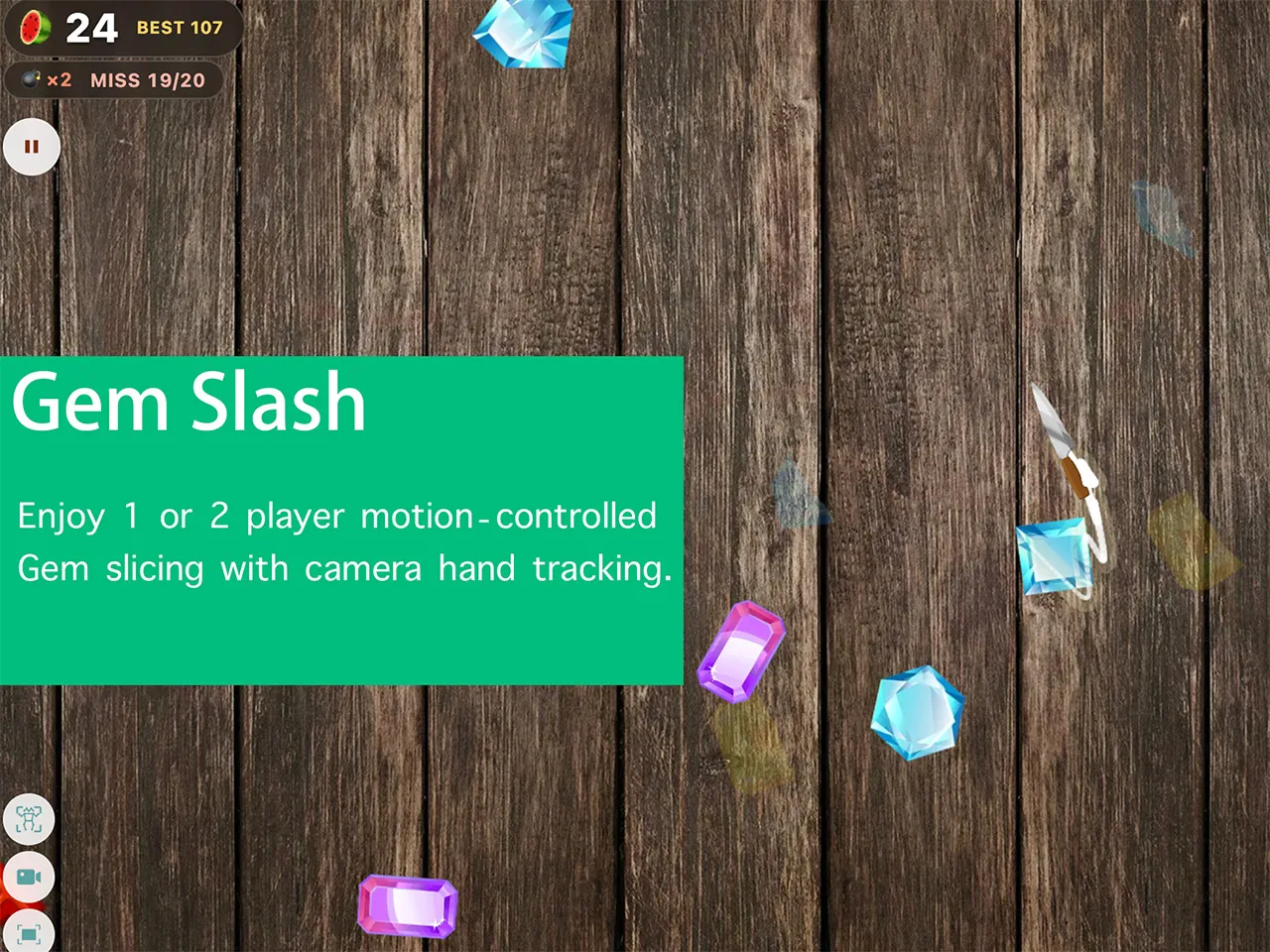
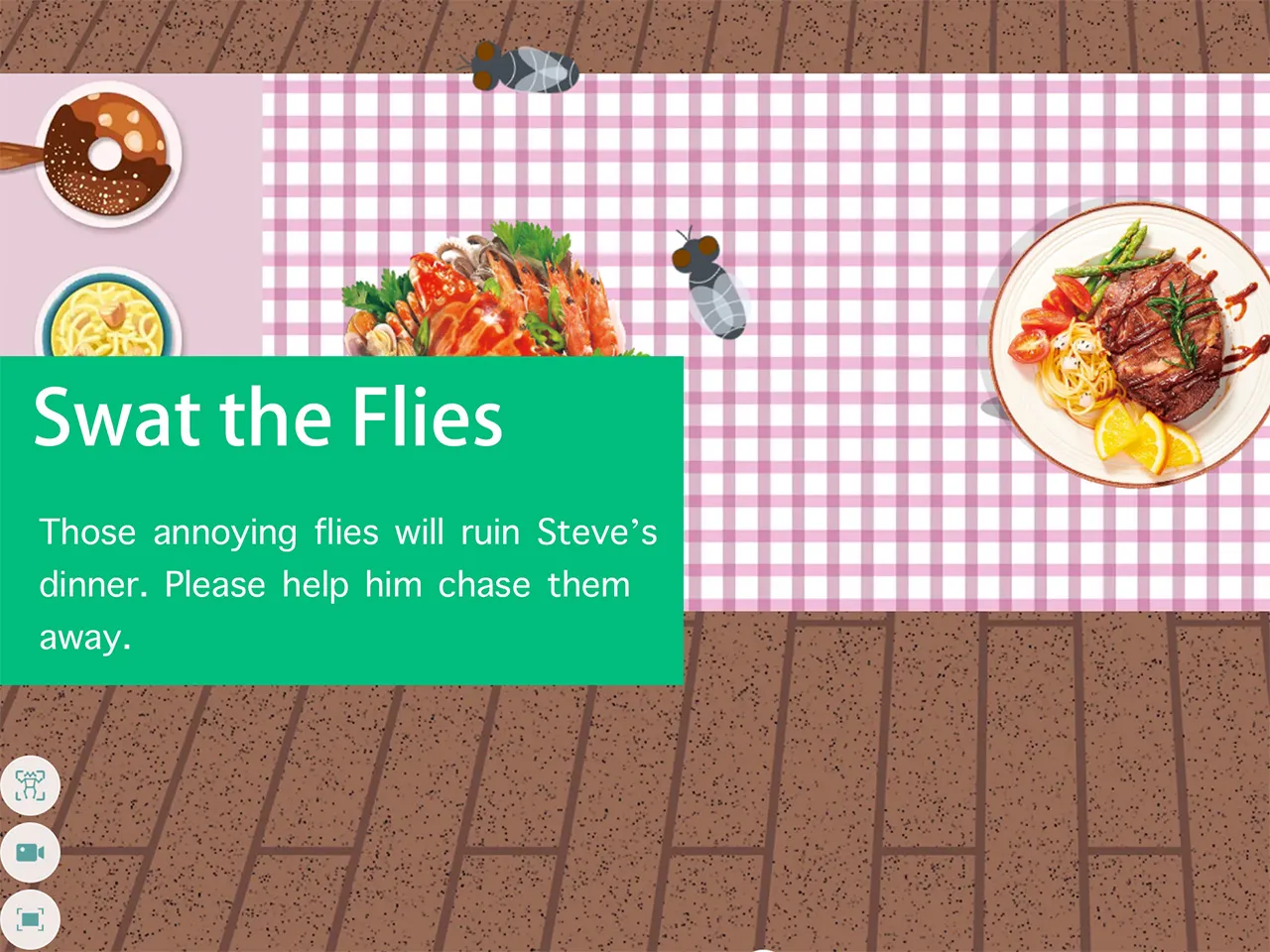
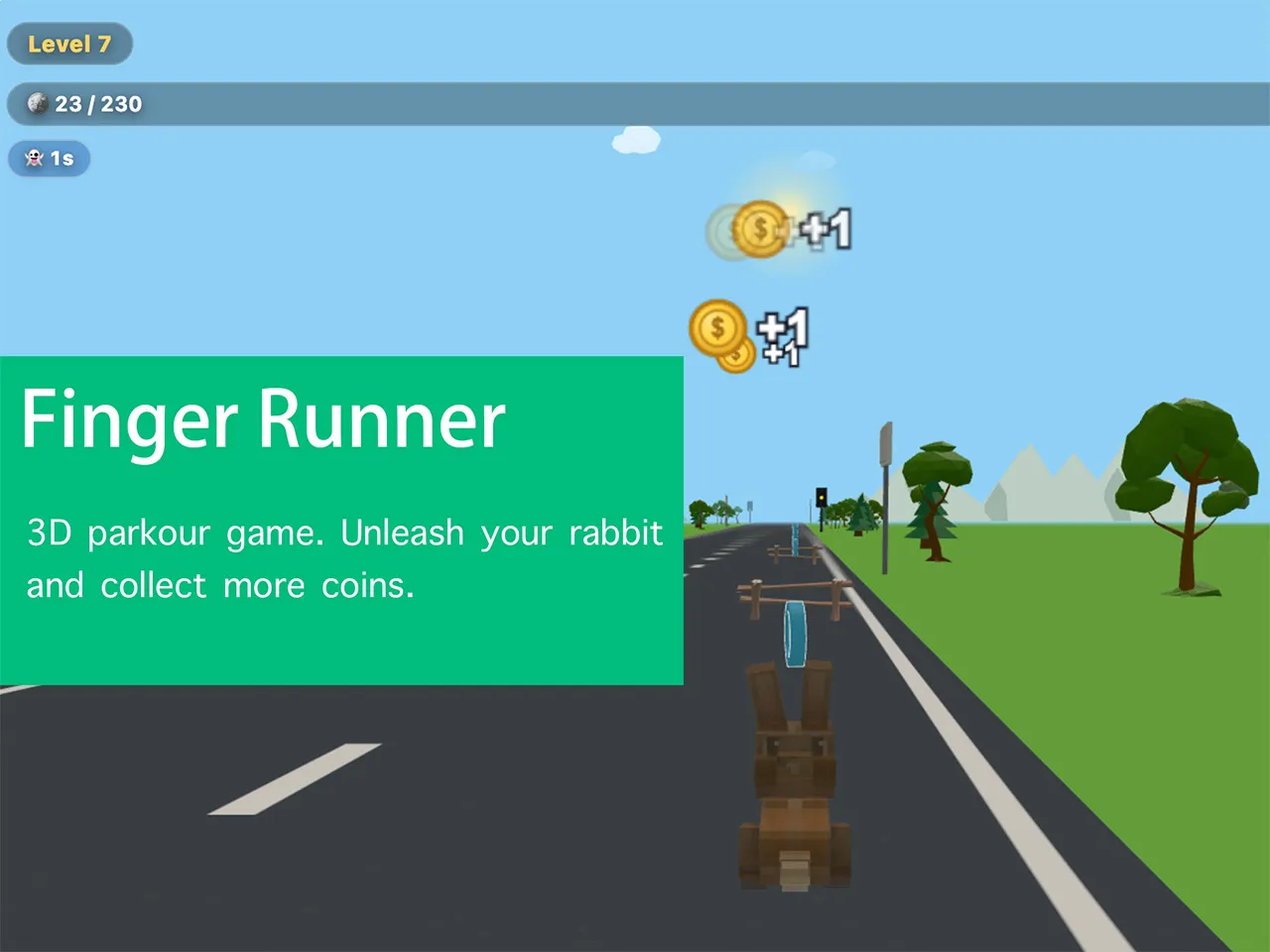
Play free motion games & exergames directly in your browser. No downloads, no apps, just your camera for gesture-based gameplay. Start moving with SwayJoy!

Latest Motion Games

From a High School Classroom to the Browser

SwayJoy began in the computer room of a small-town high school, where teacher Holy Yang spent nearly thirty years teaching students to use computers and quietly wishing they could build with them. At the end of 2024 a MediaPipe demo showed him a hand being tracked in an ordinary browser: open a page, wave at the camera, and twenty-one landmarks light up in real time. No installer, no console, no sensor bar. It was the bridge he had been looking for, between the math he wanted to teach and the games his students wanted to play.

Over one winter break he wrote his first webcam game, an Air Piano played by moving your hand. When his students opened the same page on their own phones, the room erupted. From then on a student would describe an idea in plain words, Claude would help turn it into code, and the student would pour the real effort into the part that matters: the rules, the flow, the design. By 2025 those classroom projects, fruit-slicing gesture games, a posture corrector, even an air guzheng, had filled the hard drive and still had no audience.
SwayJoy in Numbers

The whole project, in the numbers that are actually true of the code running on this page.

6free motion games, all in the browser
0downloads, apps, accounts or installs
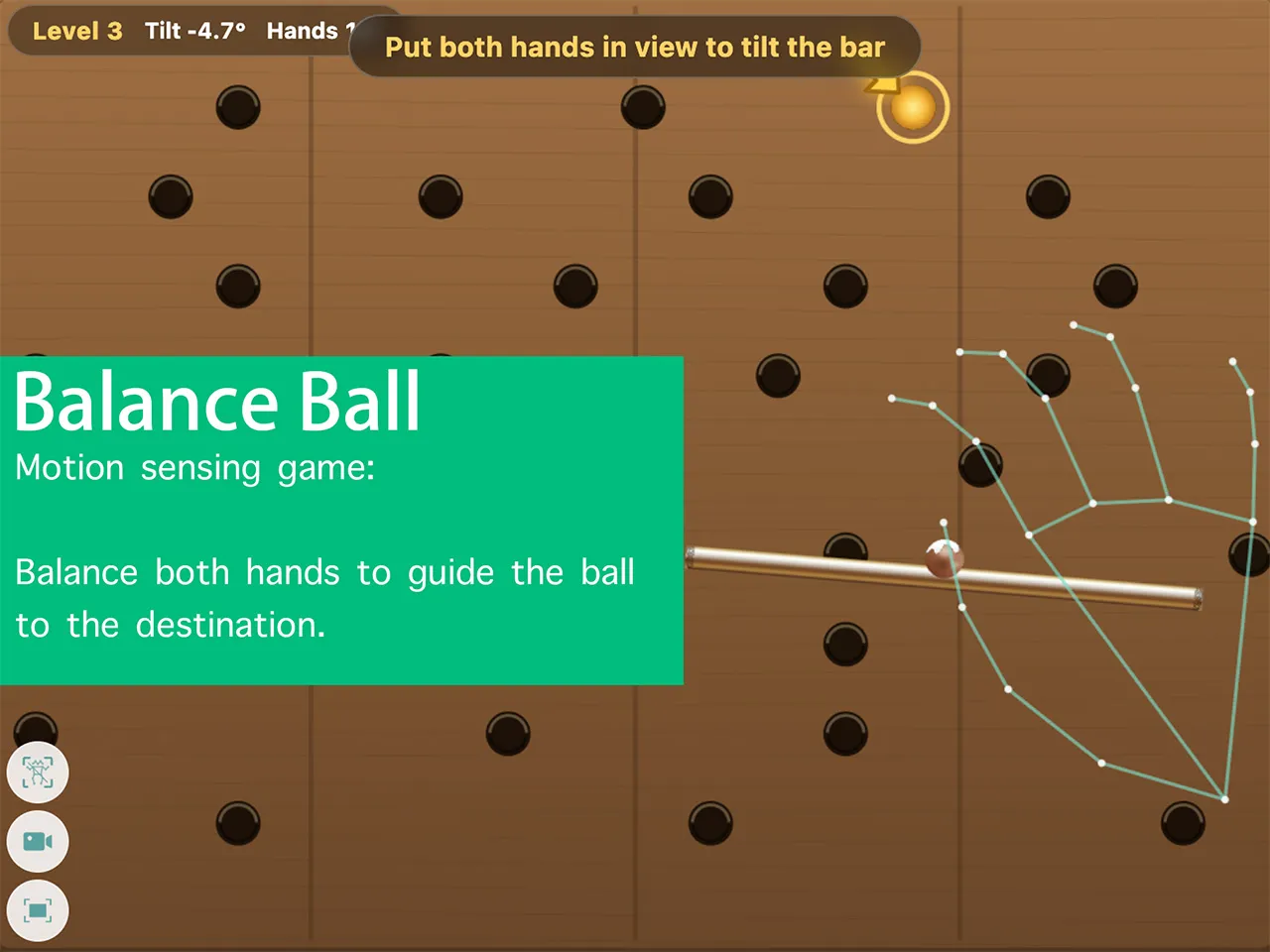
21hand landmarks tracked per hand
33body landmarks tracked per player
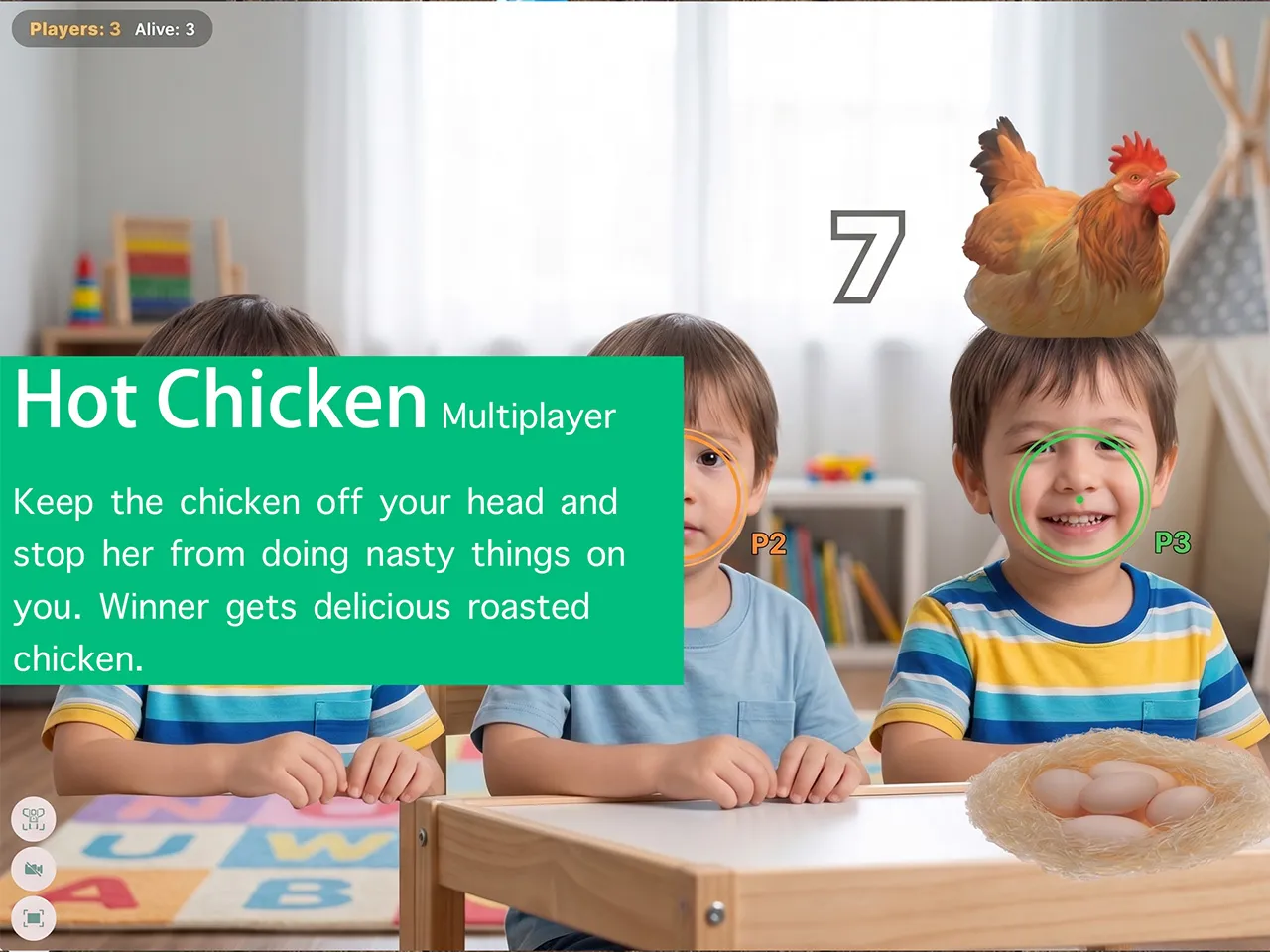
up to 6players in the Head Shake Hot Chicken party game
100%of motion recognition runs on your own device

The Making-Games Classroom

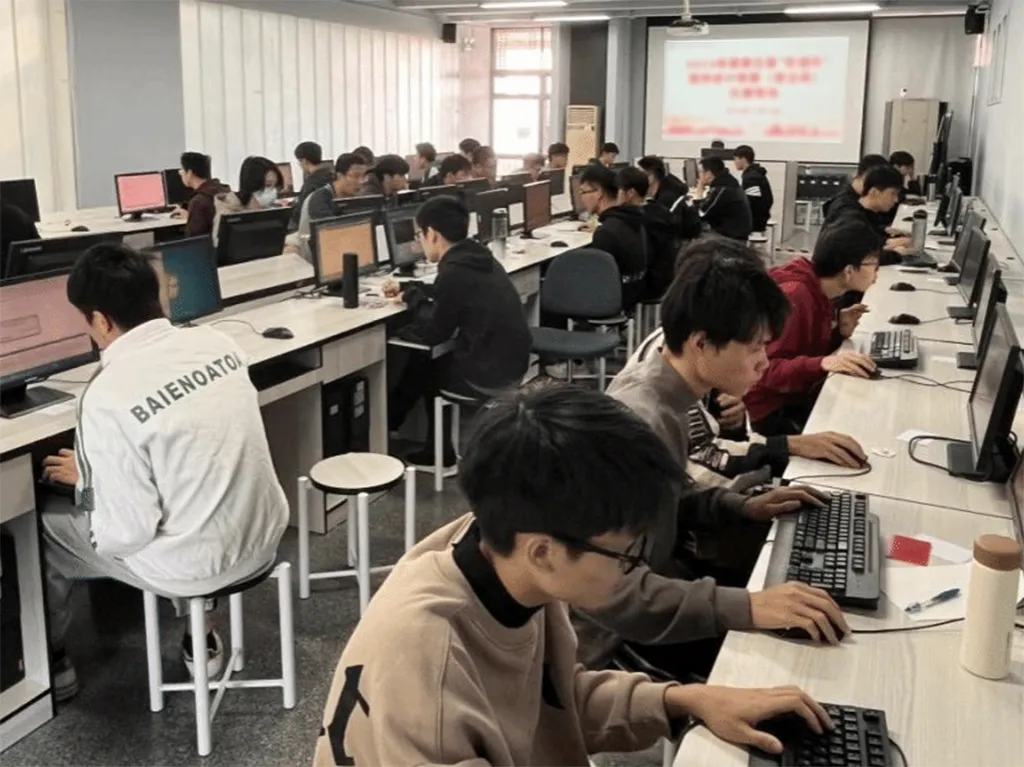
Games are never finished in Yang's classroom; they are played there. The class meets as a workshop where a student names an idea in plain words — slice fruit by swiping, fix your own posture, pluck strings in the air — and everyone spends the next weeks turning that sentence into something playable. The computer is the studio, the webcam is the sensor, and the desk next to you is the playtest lab, because the fastest way to judge a game is to hand the keyboard to a classmate and watch them play.

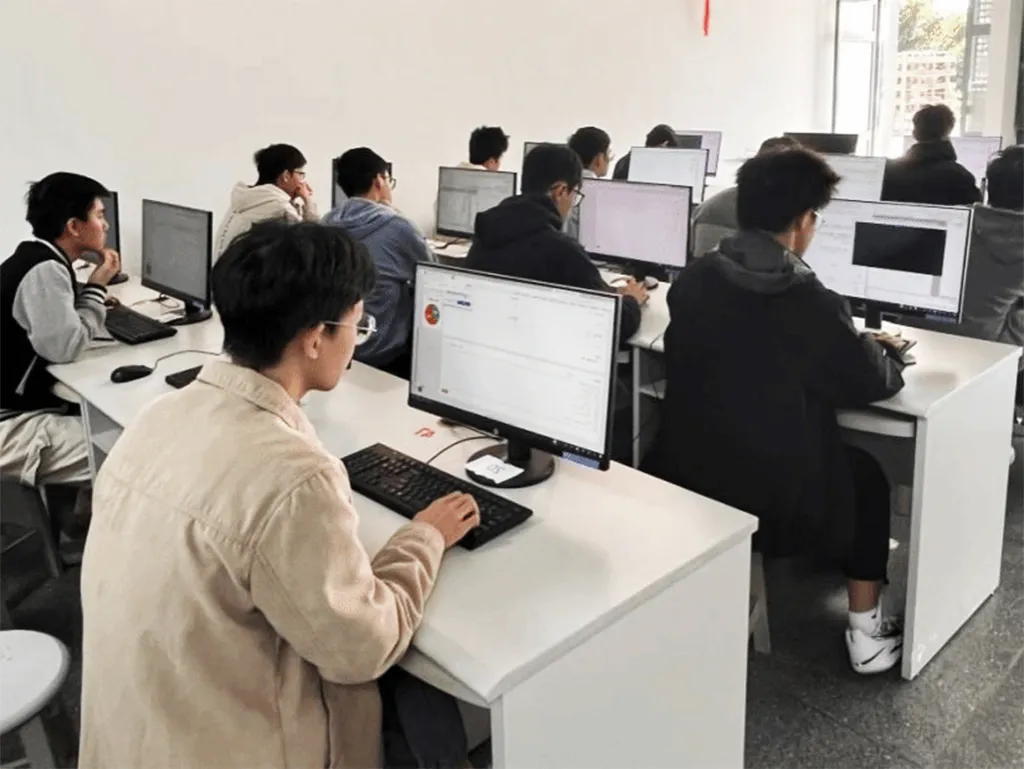
The toolchain stays deliberately short: a browser, MediaPipe for hand tracking, and Claude as the coding partner. That leaves the real subject of the class — game design — to the students. They decide what the player does, when it feels good, and where it gets hard; the code is only the translation of those decisions. No two students build the same game, and because every finished page runs on any phone or laptop, the work can walk out of the classroom the day it is done.

The whole toolkit fits on one desk — three tools, each one free:

  • A browser with a webcam — the only thing a player needs. Every finished game runs on any laptop, tablet, or phone.
  • MediaPipe — Google's open-source, on-device hand and body tracking. It turns a camera frame into 21 hand landmarks or 33 body landmarks in real time (official docs ↗).
  • Claude — the AI coding partner students describe their ideas to in plain words (claude.com ↗).
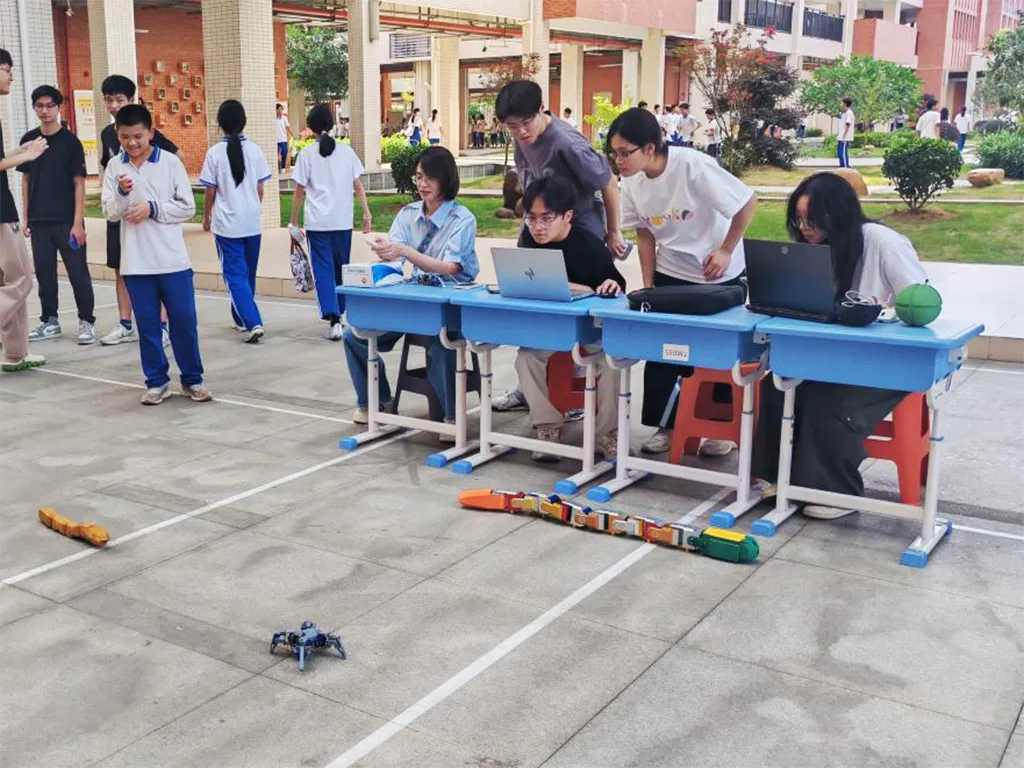
Students building a gesture game together in the game development course
Students building a gesture game together in the game development course.

Three Problems Every Student Meets

The first problem is size. Show a student gesture control and they picture a whole arcade — enemies, levels, bosses, a shop. The hard lesson of the class is learning to cut: one gesture, one rule, one level that is genuinely fun. Because Claude makes it easy to add features, restraint becomes the real skill being taught — a finished small game beats an imagined big one every time.

The second problem is the code. When the AI hands back a working page, a student's first instinct is to treat it like magic and never touch it again. Getting past that is half the job of teaching. A game belongs to whoever understands it, so students read the lines that make their idea real, change a number and watch the game change with it, and break things on purpose just to learn what breaks. Claude removes the fear of the blank page; it does not remove the need to know your own game.

The third problem is the hands. A gesture game looks flawless in the demo and jitters in front of a real player: a hand that trembles on camera, a ball that rolls too slowly downhill, fruit that never falls where you swipe. Game feel takes dozens of tries. Students learn to tune against a real body in front of a real camera, and they learn to treat a failed playtest as data, not defeat.

What Teaching With AI Taught Us

Three lessons anchor the class. The first is that the idea comes before the code. Claude is a fast typist but a poor designer, so the brief always comes from the student, in their own words: the rules, the mood, the moment it should feel good. The clearer that sentence, the better the first draft — a principle that holds whether the tool is AI or paper.

The second is that a short loop changes a classroom. An afternoon now buys a prototype that once took a week, so more of the semester goes to the parts a machine cannot do — playtesting, tuning, and surprising the player. Claude lowers the floor without lowering the ceiling.

The third is that the tool is only as honest as the person reading it. Generated code is a suggestion, not a verdict. Students are taught to question it, keep only what they understand, and always be able to explain their own game in a single sentence. In that way nothing about teaching has changed — a computer can tell you whether the code runs, but only a player can tell you whether the game is fun.

Students programming in the classroom while learning to develop games with AI
Students programming in the classroom while learning to develop games with AI.

Why We Built SwayJoy

Finished projects used to go into a folder, get handed in, and disappear. SwayJoy exists to put those games on the web and give every student creator an audience. The name joins two words, sway and joy, because at its heart motion gaming is the happiness of moving your body.

That origin keeps the platform simple: every game is free and needs no account. Nothing to download, no controller, no special equipment, just a browser and the camera already inside your device. All motion recognition runs on your own machine, so play stays fast and private. Open a page, move your body, and play.

SwayJoy is…SwayJoy is not…
Free, and playable in any modern browserA download or a paid app
Opens straight into play — no account, no signupA service that asks for your details
Controlled by the camera you already ownTied to a gamepad, sensor bar, or console
Built by high school students in a classroomMade by a big game studio
Analysing your camera feed on your own deviceUploading your video to a server
Holy Yang's students playing and testing motion games outside the classroom
Holy Yang's students playing and testing motion games outside the classroom.
"Every game on SwayJoy belongs to a high school student. Their hands sway in front of the camera, and their names should shine on the work."— Holy Yang, founder of SwayJoy

Motion Games, Whatever You Call Them

People use many names for what SwayJoy makes: motion games, motion-controlled games, webcam games, camera games, gesture games, body-movement games, active games, or exergames. The labels change, the idea does not: your body is the controller, and moving is how you play. Not long ago this needed a console and sensors in the living room. Today any device with a browser and a webcam is enough. The games above are where these ideas live: step back from your screen and watch your own movements become the controls.

The instinct has evidence behind it. The World Health Organization recommends adults get at least 150–300 minutes of moderate-intensity activity every week, and reports that globally about one in four adults — and more than 80% of adolescents — do not meet those recommended levels. Screen time that makes you move is a small, free, at-home answer to that gap. World Health Organization · Physical activity fact sheet ↗

Made with students, for players who like to move.

Sway with joy.